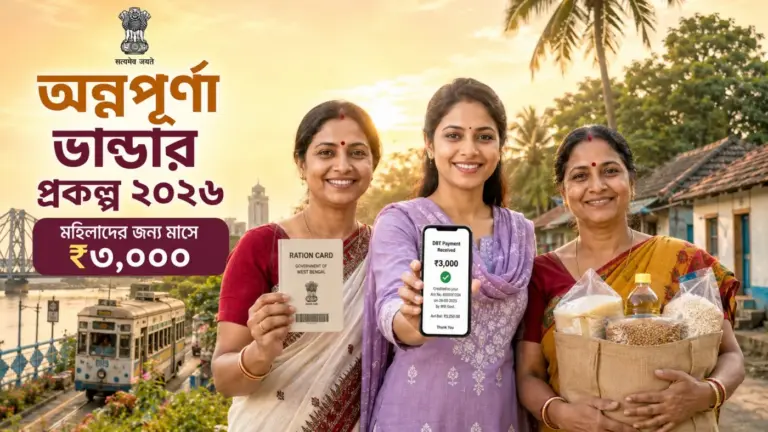
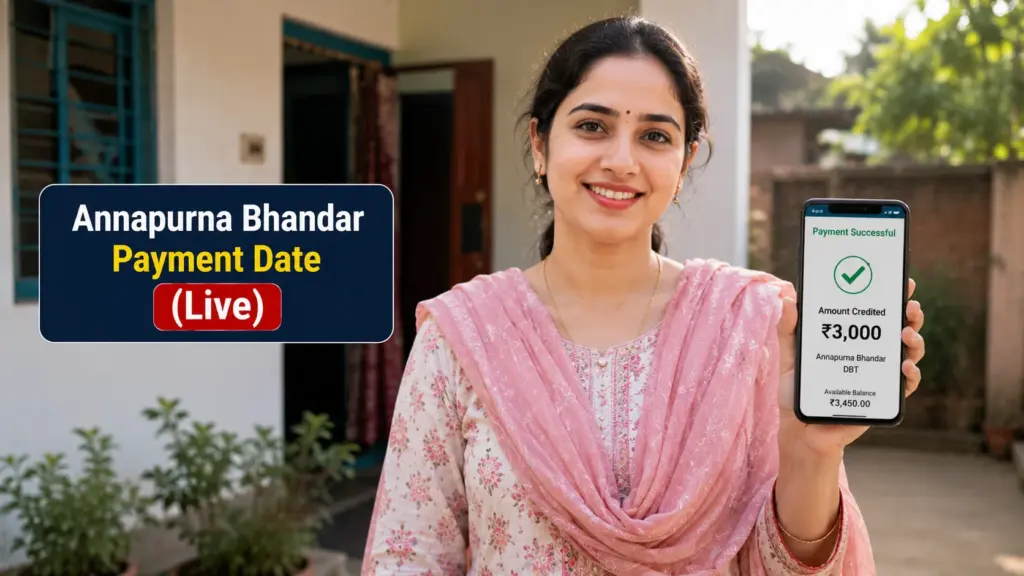
অন্নপূর্ণা ভান্ডারের টাকা ঢুকেছে কিনা চেক করুন। Annapurna Bhandar (Annapurna Yojana) payments have officially started. The West Bengal government credited the first ₹3,000 instalment to 28,25,769 women starting 3 June 2026, with the scheme formally launched by CM Suvendu Adhikari at Nabanna on 1 June 2026. This guide shows you exactly how to check your payment and application status, depending on which portal applies to you.
Annapurna Bhandar Payment Date
| Official Notification | No. 2411-WCD/O/AB-4/2026, dated 19 May 2026 |
| Scheme Launch | 1 June 2026 — Nabanna, by CM Suvendu Adhikari |
| First DBT Credit | 3 June 2026 — 28,25,769 women paid |
| Monthly Amount | ₹3,000 via DBT |
| New Applicant Portal | Family Level Data Collection Portal |
| Payment Status Portal | Family Level Data Collection Portal |
| Helpline | 1800-345-5555 (Toll-Free) |
| Application Deadline | 25 August 2026 (90-day window) |
| Beneficiary List Updates | Every 7 days |
Annapurna Bhandar Payment Timeline 2026
19 May 2026 — Scheme officially notified by the Department of Women & Child Development and Social Welfare.
27 May 2026 — Application forms released in Bengali, Hindi, and English; offline forms available from BDO/SDO/municipality offices.
1 June 2026 — Scheme formally launched at Nabanna; free bus travel for women on government buses also activated.
3 June 2026 — New Family Level Data Collection Portal (socialregistry.wb.gov.in) goes live; first DBT installment of ₹3,000 credited to 28,25,769 women.
15–17 June 2026 — “Janakalyan Shibir” outreach camps held statewide for application submission and bank-seeding assistance.
25 August 2026 — Deadline for new applicants to complete enrolment (90 days from form release).
⚠️ Note: A small number of women who submitted applications online on 3 June using an earlier form version have been asked to log in again and resubmit on the updated form. If this applies to you, simply re-register through the Family Level Data Collection Portal — your earlier submission is not lost, but the updated form is required for processing.
How to Check Your Annapurna Bhandar Status
The method you use depends on whether you are an existing Lakshmir Bhandar beneficiary (auto-migrated) or a new applicant. Both routes are explained below.
📱
SMS Alert
Automatic SMS sent to your Aadhaar-linked mobile when status changes — received, under review, approved, or payment credited.
🏦
Bank Passbook
Check your passbook or mini-statement for the ₹3,000 DBT credit entry from the West Bengal government.
🏛️
BDO / SDO Office
Visit in person with your acknowledgement receipt or Application ID for manual status confirmation.
Understanding Your Status Message
| Status Shown | What It Means |
|---|---|
| Submitted / Received | Your application has reached the authorities and is queued for review. |
| Under Verification | Aadhaar, bank, and voter details are being cross-checked by BDO/SDO officials. |
| Approved / Beneficiary Active | You are confirmed eligible. ₹3,000 payment processing will begin or has begun. |
| Rejected | An issue was found — check the stated reason and correct it before reapplying. |
| Migrated (for ex-Lakshmir Bhandar beneficiaries) | Your record has been successfully moved to Annapurna Bhandar; no fresh application is needed. |
Beware of Fake Status-Check Websites
- 🚫 Only two domains are official: socialregistry.wb.gov.in and socialsecurity.wb.gov.in
- 🚫 Watch for lookalike domains (.com, .org.in, .gob.in) — these are NOT official
- 🚫 Status checks are always FREE — কোনো ফি নেই
- 🚫 Never share your Aadhaar OTP with anyone, including callers claiming to be government staff
- 🚫 WhatsApp/YouTube links promising “instant status check” are phishing attempts
Frequently Asked Questions
When did the Annapurna Bhandar payment start?
The first ₹3,000 instalment was credited on 3 June 2026, reaching 28,25,769 women on the first day. The scheme was formally launched on 1 June 2026.
অন্নপূর্ণা ভান্ডারের টাকা কবে থেকে ঢুকছে?
৩ জুন ২০২৬ থেকে প্রথম কিস্তির ₹৩,০০০ টাকা জমা হয়েছে। প্রথম দিনে ২৮.২৫ লক্ষ মহিলা টাকা পেয়েছেন।
Where do I check my Annapurna Bhandar status?
New applicants check at socialregistry.wb.gov.in. Existing Lakshmir Bhandar beneficiaries can check payment status at socialsecurity.wb.gov.in.
What is the last date to apply?
The application window closes on 25 August 2026, 90 days from the form release date.
How often is the beneficiary list updated?
The beneficiary list is updated every 7 days as verification continues across districts.
My status shows nothing online — what should I do?
Visit your local BDO or SDO office with your acknowledgement receipt or Application ID, or call the helpline 1800-345-5555 for manual confirmation.
I applied online on 3 June — do I need to apply again?
Some early applicants submitted on an older form version and have been asked to log in again at socialregistry.wb.gov.in and resubmit using the updated form. Your earlier data is not lost.
Final Thoughts
Payments are flowing, and lakhs more women will see verification complete over the coming weeks as the beneficiary list updates every 7 days. If your money hasn’t landed yet, that doesn’t necessarily mean a problem — check your status on the portal above and use the helpline if anything looks stuck. ধৈর্য ধরুন, যাচাই চলছে।