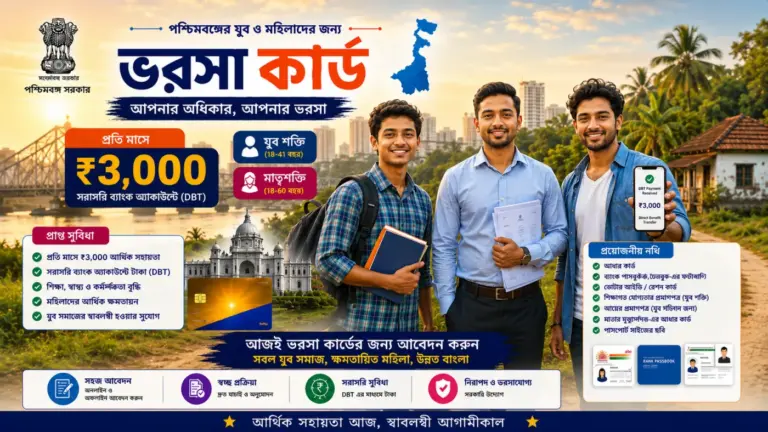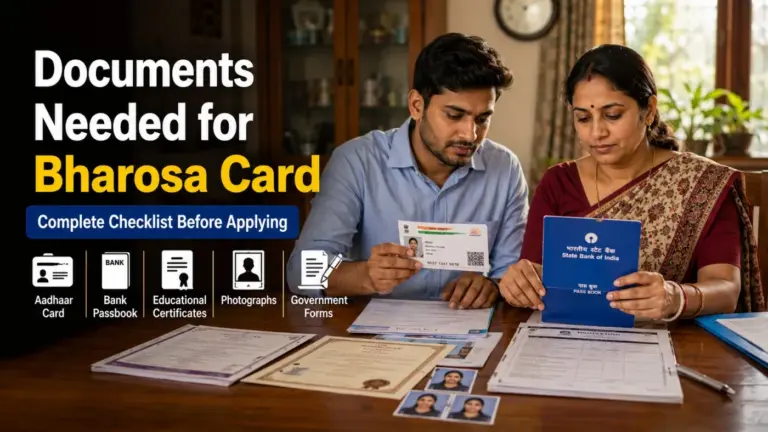
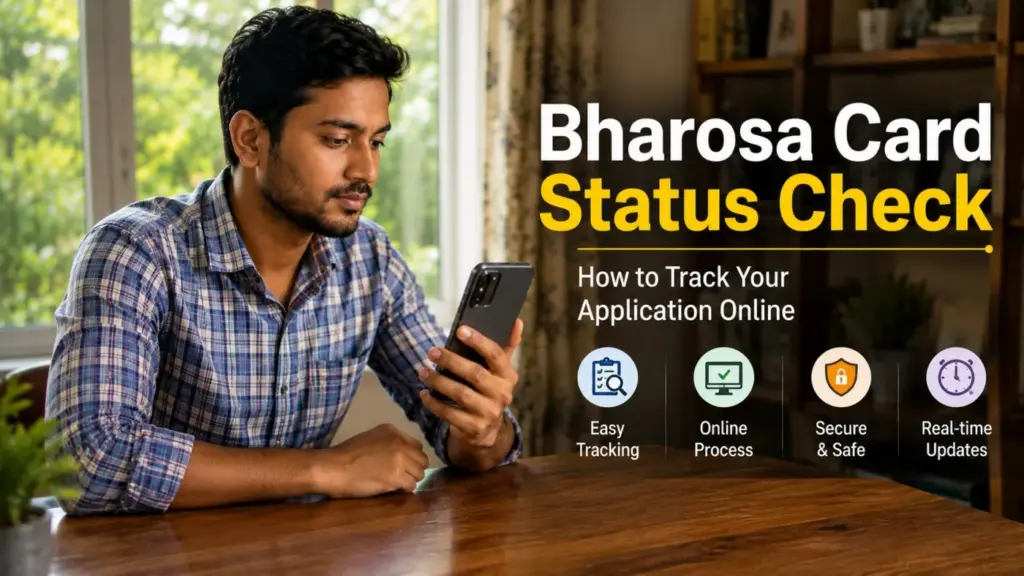
After applying for the Bharosa Card, whether Yuva Shakti or Matrishakti, the next big question is: What is the status of my application?
This guide explains how to check your Bharosa Card application status online, what different status messages mean, and what to do if your application is stuck or rejected.
Note: The application portal has not launched yet. This guide covers the expected process based on how similar state schemes work. We will update it with exact steps once the official portal is live.
What You Need to Check the Status
- Your Application Reference Number (given at the time of submission)
- Your Aadhaar number
- Your registered mobile number
This is why saving your Application Reference Number at the time of submission is so important (রেফারেন্স নম্বর সংরক্ষণ করুন).
How to Check Bharosa Card Status Online
Step 1 — Visit the Official Portal
Go to the official Bharosa Card portal (we will link it here when live). Look for a section called “Application Status” or “আবেদনের অবস্থা জানুন.”
Step 2 — Enter Your Reference Number or Aadhaar
Enter your Application Reference Number or Aadhaar number in the search field.
Step 3 — Verify with OTP
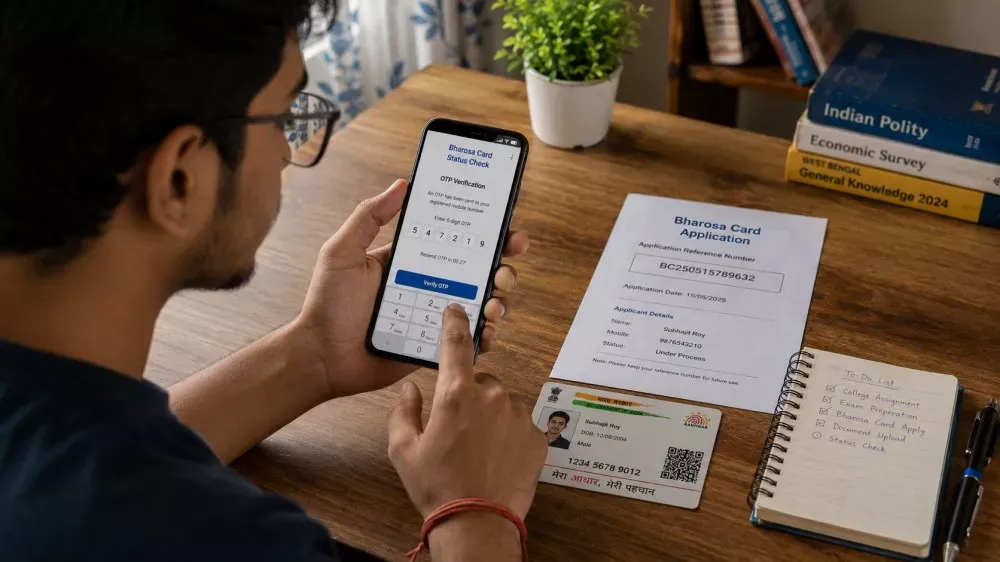
An OTP will be sent to your registered mobile number. Enter it to verify (ওটিপি দিয়ে যাচাই করুন).
Step 4 — View Your Status
Your current application status will be displayed on screen.
What Do Status Messages Mean?
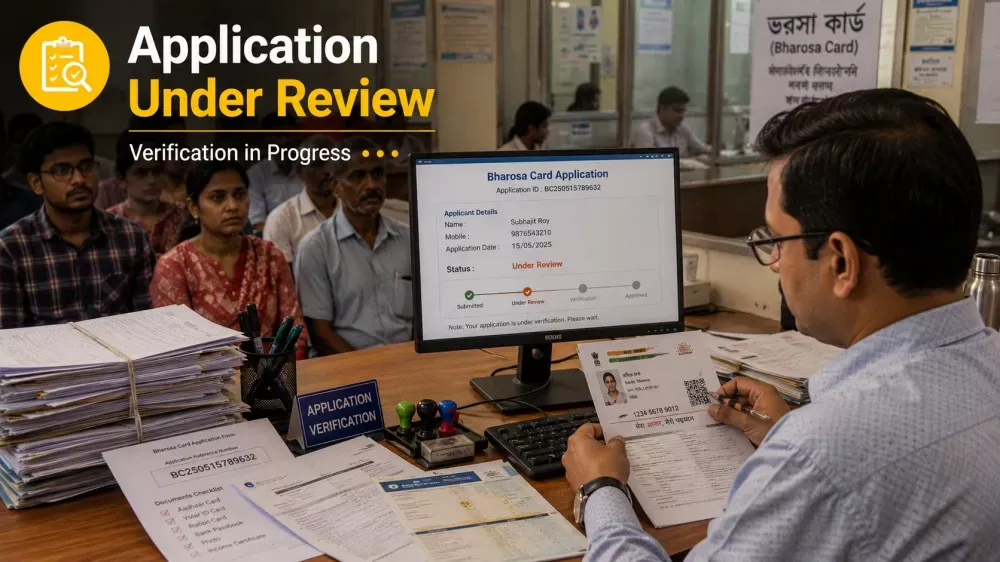
| Status Message | What It Means |
|---|---|
| Application Submitted | Your application has been received successfully. |
| Under Review / যাচাই চলছে | Officials are reviewing your documents. |
| Verification Pending | Documents are being cross-checked with Aadhaar records. |
| Approved / অনুমোদিত | Application approved. Card issuance in progress. |
| Card Dispatched | Physical card sent to your registered address. |
| Payment Initiated | Monthly DBT transfers have started. |
| Rejected / প্রত্যাখ্যাত | Application not approved. Check reason and appeal. |
| Documents Required | You must resubmit or upload missing documents. |
What to Do If Your Application Is Rejected
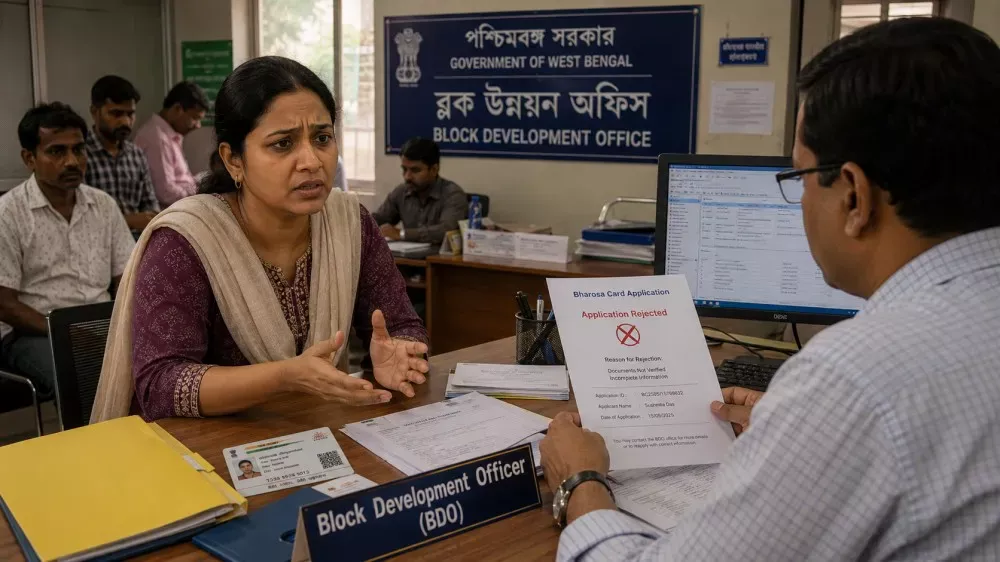
- Read the rejection reason on the portal carefully.
- If it is a document error, correct and resubmit.
- Use the grievance or appeal option on the portal.
- Visit your local BDO office or Gram Panchayat for help (স্থানীয় অফিসে যোগাযোগ করুন).
How to Check Payment Status
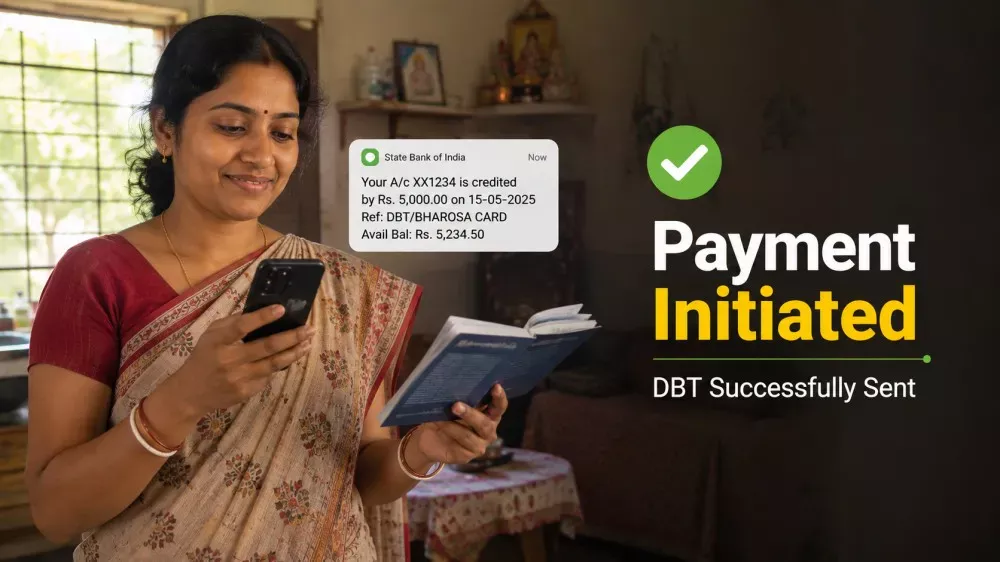
- Check your bank passbook for a government DBT credit entry
- Use your bank’s mobile banking app or SMS banking
- Visit any ATM for a mini statement
- Check the PFMS portal (pfms.nic.in) with your bank account number
DBT credits appear with a government reference code in your passbook (ব্যাংক পাসবুকে সরকারি রেফারেন্স নম্বর দেখতে পাবেন).
Frequently Asked Questions
How do I check my Bharosa Card application status?
Visit the official Bharosa Card portal, enter your Application Reference Number or Aadhaar number, complete OTP verification, and view your application status online.
What documents are needed to check Bharosa Card status?
Applicants may need their Application Reference Number, Aadhaar number, and registered mobile number to check status online.
How long does Bharosa Card approval take?
Based on similar government schemes, verification and approval may take around 2–6 weeks after application submission.
What should I do if my Bharosa Card application is rejected?
Applicants should check the rejection reason on the portal, correct any document errors, and reapply or raise a grievance if allowed.
How can I check Bharosa Card payment status?
Applicants can check DBT payment status through their bank passbook, mobile banking app, SMS alerts, or the PFMS portal.
আবেদন নম্বর হারিয়ে গেলে কী করবেন?
আধার নম্বর ও রেজিস্টার্ড মোবাইল নম্বর দিয়ে লগইন করার চেষ্টা করুন। সমস্যা হলে স্থানীয় BDO অফিসে যোগাযোগ করতে পারেন।
Final Thoughts
Tracking your Bharosa Card application status is straightforward once the portal is live. Save your reference number, keep your mobile number active, and check regularly after submission.
Read more: Apply for Yuva Shakti Bharosa Card | Apply for Matrishakti Bharosa Card | Documents Checklist